

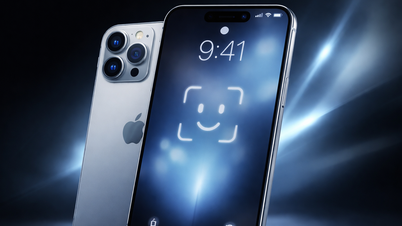
Apple has just released a series of beta versions of iOS 18 with many new features, interface improvements, and increased stability.
Apple is accelerating the release of the iOS 18 beta for both developers and the public, aiming to deliver key changes and provide a glimpse into all the features users will see when iOS 18 is available.
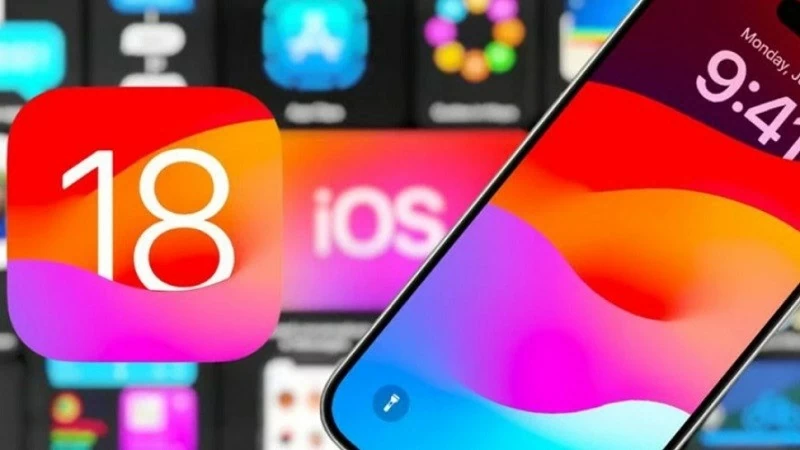 |
| iOS 18 will be officially released around mid-September. |
Accordingly, the iPhone manufacturer simultaneously released three new versions of iOS 18 in the early hours of August 13th for everyone to download. These versions include iOS 18.1 beta 2 (for developers), iOS 18 beta 4 (public), and iOS 18 beta 6 (for developers).
iOS 18.1 beta 2 is the version with the most new features among the three beta versions that Apple has just released. After the rollout of iOS 18.1 beta 1, users got an early look at Apple Intelligence, at least what artificial intelligence (AI) can do in its initial stages.
iOS 18.1 beta 2 will bring changes that beta users have been expecting. Specifically, Apple has removed Carousel from the Photos app – a new feature that received much criticism. With this change, the iPhone manufacturer hopes to improve the user experience before the official version reaches all iPhone customers.
Additionally, iOS 18.1 beta 2 brings a new Distraction Control feature to the Safari browser, providing a cleaner, simpler experience when accessing websites. This feature was already available in iOS 18 with the third (and fifth for developers) public beta and is now also available to iOS 18.1 beta 2 users.
Meanwhile, the latest public beta version of iOS 18 beta 4 brings two notable changes. First, the Control Center now includes a separate Bluetooth control, making it easier to manage wireless connections. Second, the "Explore" tab has been renamed to "New" and its content reorganized, making it easier for users to discover new music.
Specifically for iOS 18 beta 6 for developers, this version includes several stability improvements and different sizes for the Bluetooth button in Control Center.
iPhone users can update to the latest available beta version from the Settings > General > Software Update menu. It is recommended that users avoid using developer beta versions of iOS, as these are intended for professional app and software developers and may have the most operational issues.
Source: https://baoquocte.vn/apple-phat-hanh-loat-ios-18-beta-moi-282470.html


![[Photo] Prime Minister Pham Minh Chinh attends the Conference on the Implementation of Tasks for 2026 of Vietnam Television.](/_next/image?url=https%3A%2F%2Fvphoto.vietnam.vn%2Fthumb%2F1200x675%2Fvietnam%2Fresource%2FIMAGE%2F2026%2F01%2F10%2F1768047311329_ndo_br_dsc-3214-jpg.webp&w=3840&q=75)










































![[Infographics] Resolution No. 79-NQ/TW of the Politburo on the development of the state-owned economy](https://vphoto.vietnam.vn/thumb/402x226/vietnam/resource/IMAGE/2026/01/10/1768038914679_chp_3-11-23.jpeg)


















































Comment (0)