

It's time to update Messenger to the latest version for iPhone, Android, and PC. Check out this article to learn how to update your device early!
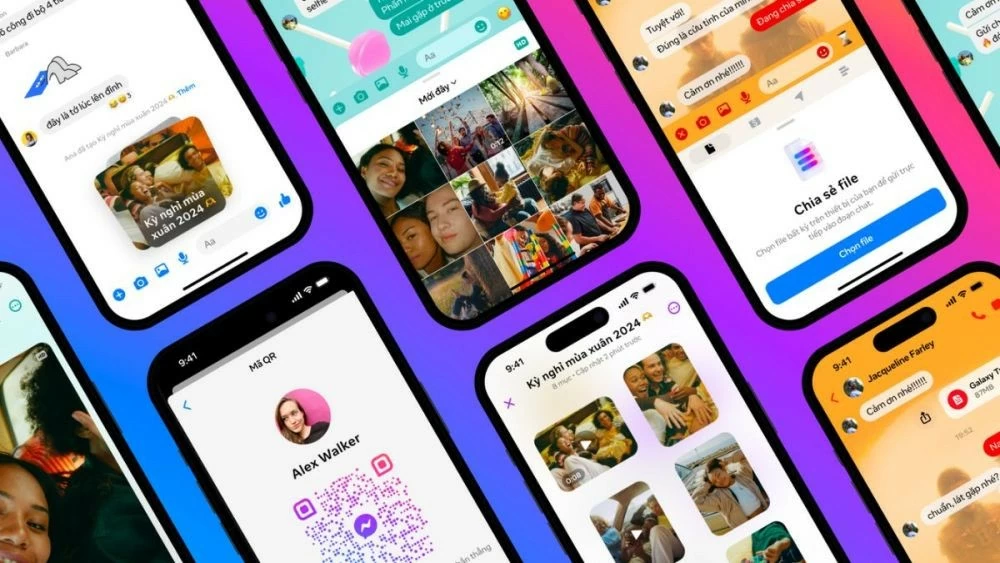 |
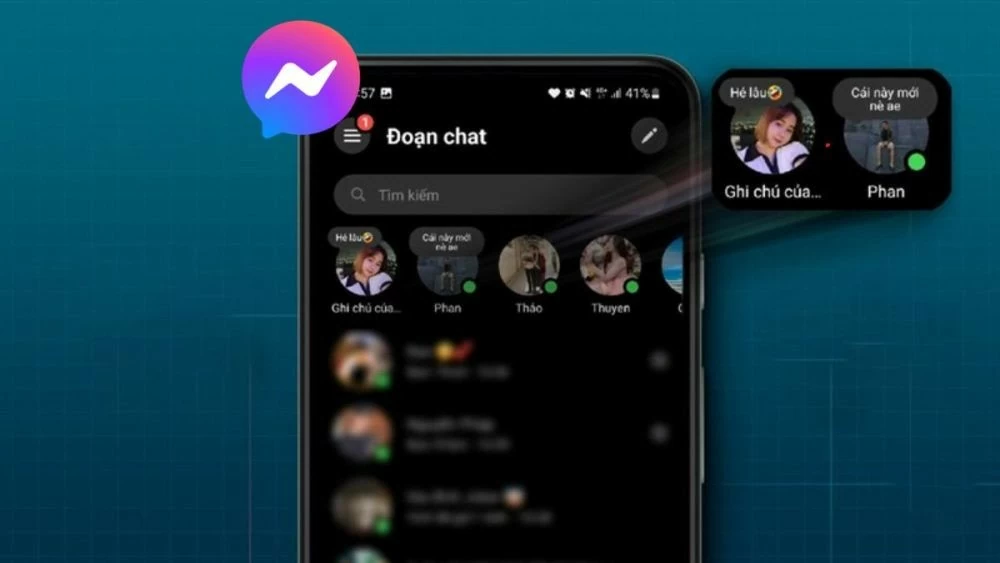
To keep up with the trend, the Messenger app now has a new updated version with a very modern note-taking function. Below are three ways to easily update Messenger for iPhone, Android, and computer.
A simple guide on how to update Messenger to the latest version on your Android phone.
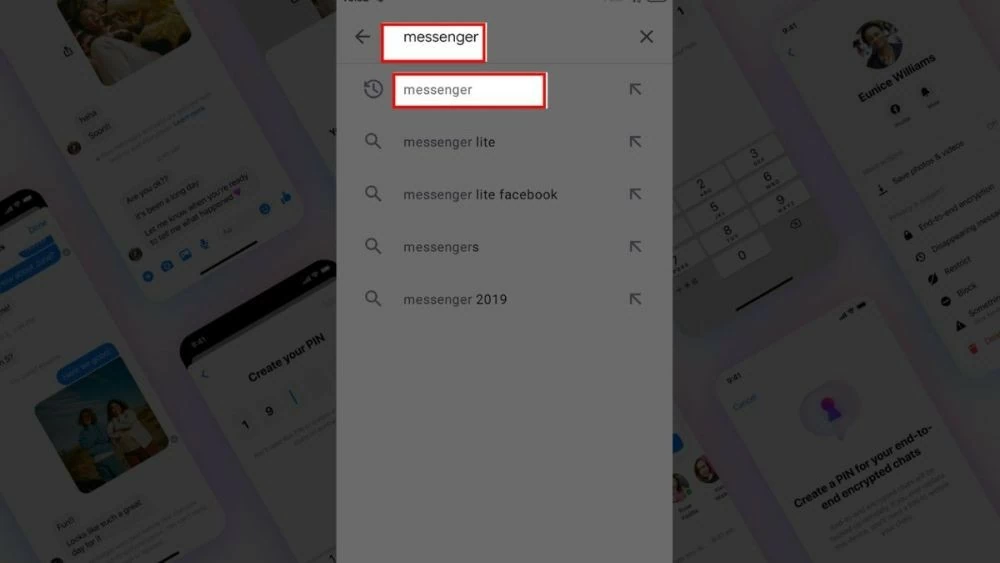
Step 1: Open Google Play, click on the search bar and type "Messenger", then press the search button or the magnifying glass icon on your keyboard.
 |
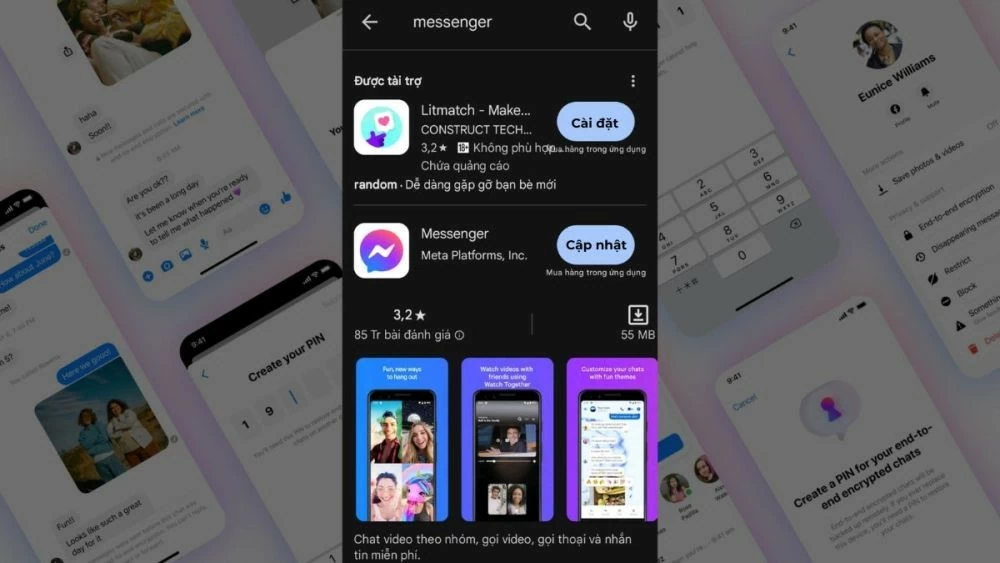
Step 2: Find the Messenger app with the blue Facebook icon in the search results.
 |
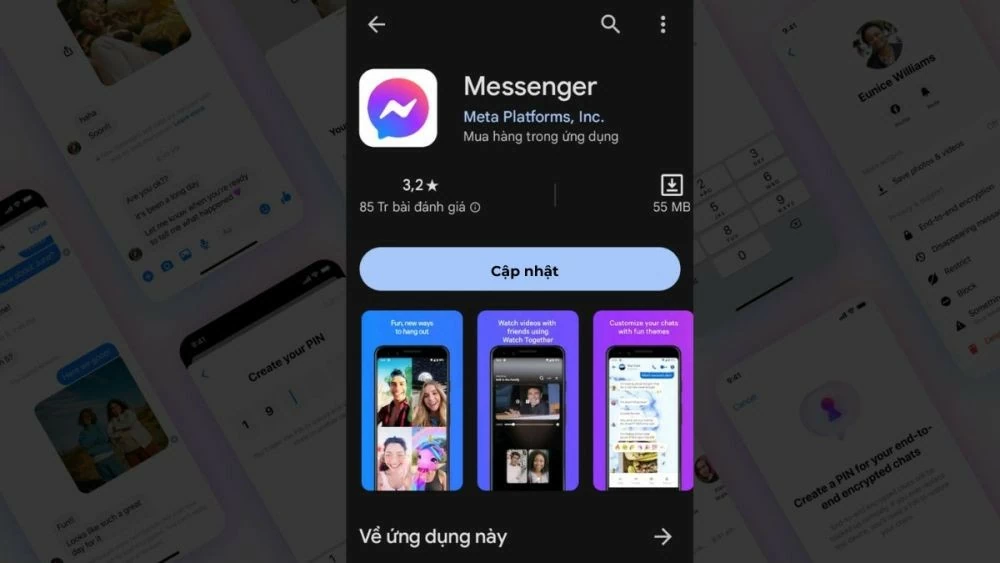
Step 3: If your Messenger version is not the latest, an "Update" button will appear. Tap this button and wait for the update to complete. Once finished, the "Update" button will change to an "Open" button.
 |
Instructions on how to update Messenger on iPhone and iPad.
Similar to Android, you can easily update Messenger to the latest version on your iPhone through the App Store with a few simple steps.
Step 1: Once you've opened the App Store, tap your account's profile picture icon in the upper right corner.
 |
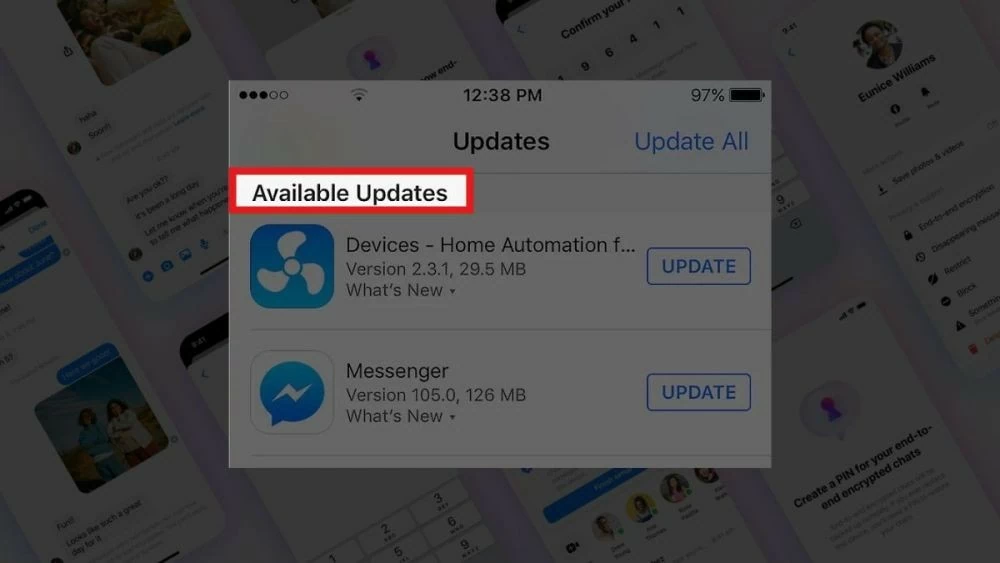
Step 2: Scroll down and look for "Available Updates," where you'll see if there are any updates for Messenger. Note that Messenger is a separate app, not integrated into Facebook. If Messenger doesn't appear in the list, it means no updates are available at that time.
 |
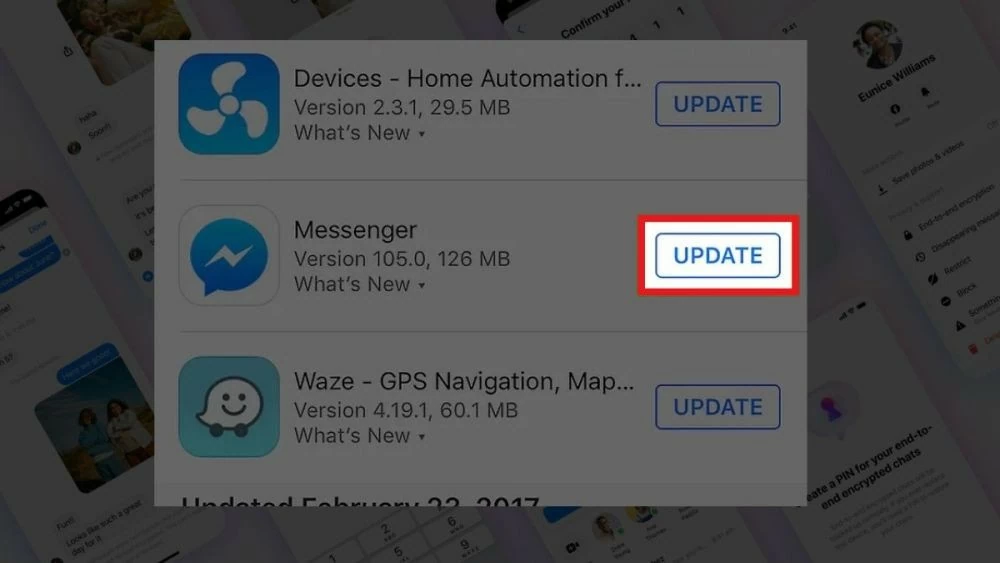
Step 3: Tap "Update" to automatically upgrade Messenger.
 |
Instructions on how to update Messenger to the latest version on your computer.
For computers, updating Messenger to the latest version is crucial to enjoying smoother and more professional messaging features. Follow these steps to upgrade your conversations, not only in your personal life but also at work.
Instructions for Windows
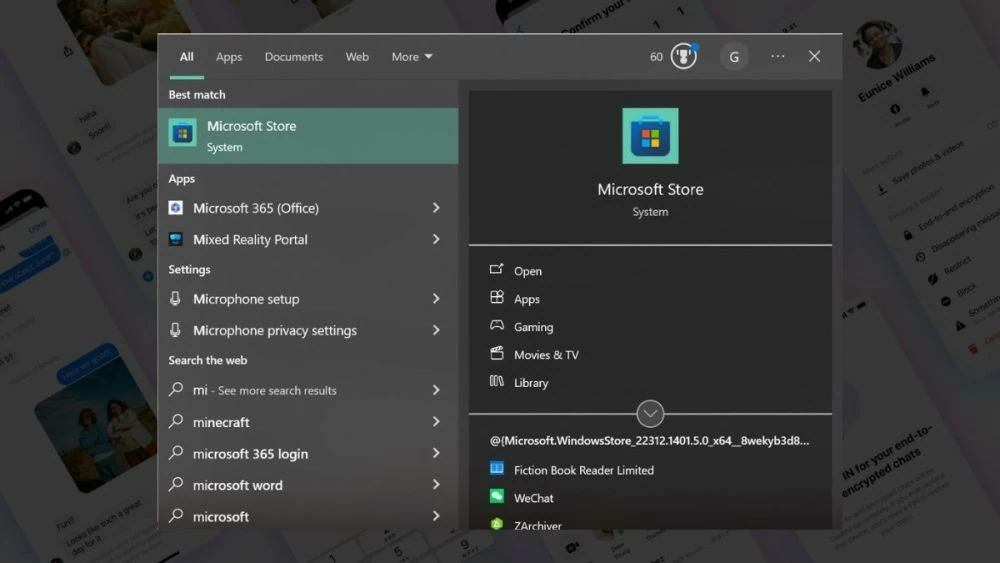
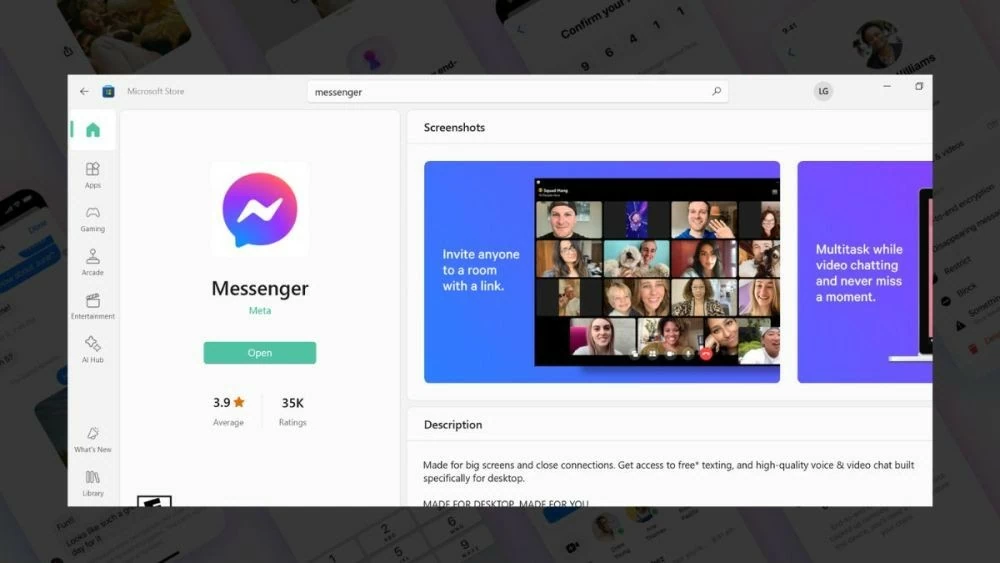
Step 1: On the Taskbar, type "Microsoft Store" into the search bar and select the application from the results to open it.
 |
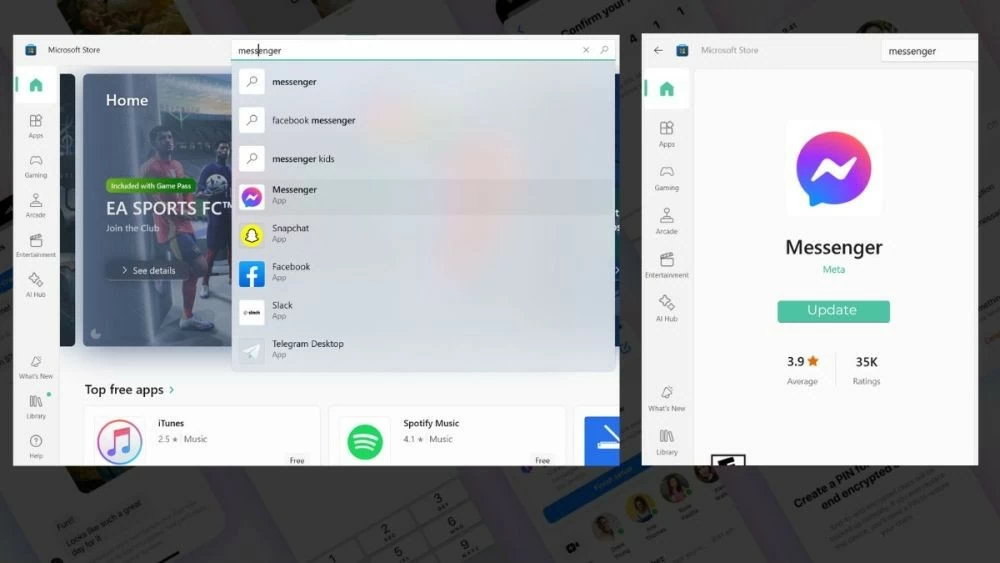
Step 2: In the Microsoft Store, type "Messenger" into the search bar. When the app appears, check its status. If you don't have the latest version, the Microsoft Store will display a message prompting you to update the app.
 |
Step 3: Once the update is complete, you can open the Messenger app and experience its latest features.
 |
How to do it for macOS
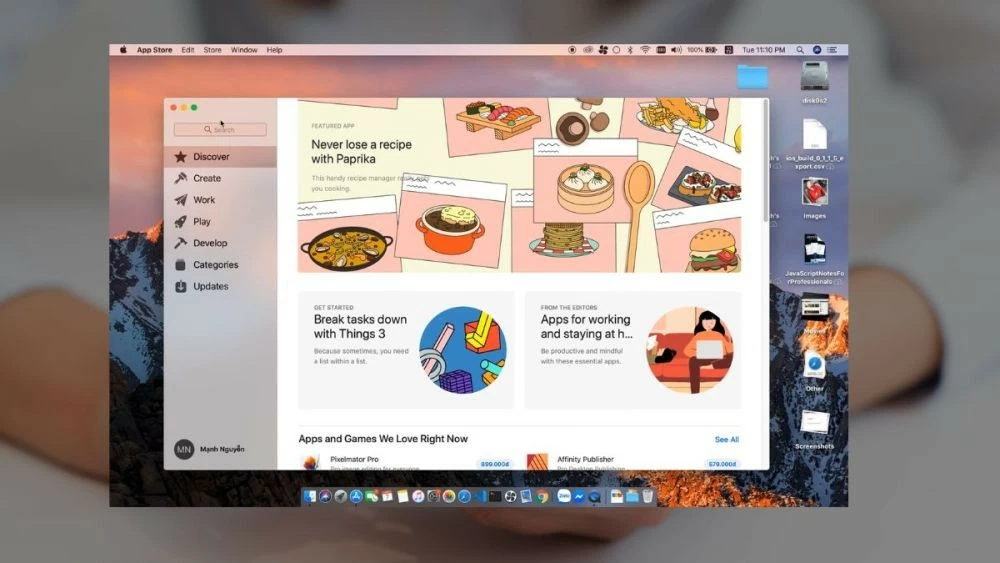
Step 1: Similar to updating Messenger on iPhone, you also need to open the App Store on your computer. To do this, you can search for "App Store" in Launchpad or click the App Store icon on the Dock if it's already pinned.
 |
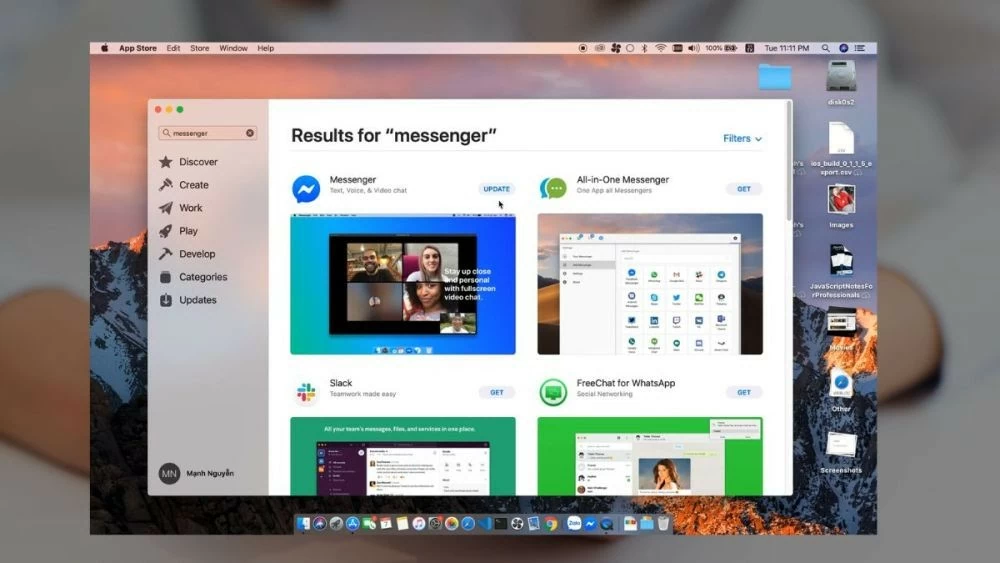
Step 2: Enter the keyword "Messenger" into the search bar in the upper right corner of the window. If your current version needs updating, an "Update" button will appear next to the application.
 |
Step 3: Tap the "Update" button, and once the update is complete, you can tap the "Open" button to open the Messenger app and explore its new features.
 |
So now you know how to update Messenger to the latest version for your iPhone, Android, and even your computer. This is an effective way to upgrade both the features and security of the messaging app you use every day. If you're interested in other popular and interesting apps, keep following our upcoming articles.
Source: https://baoquocte.vn/cach-cap-nhat-messenger-phien-moi-nhat-co-ghi-chu-280421.html

































































































Comment (0)