

Apple allows users to print using their iPhone via AirPrint. If you want to print text messages on your iPhone, the only way is to take a screenshot and create a printout using an AirPrint-compatible printer. So, do you know how to connect your iPhone to a printer?
How to print text messages from iPhone
Step 1: Open the Messages app and open the SMS or iMessage text chat on your iPhone that you want to print.
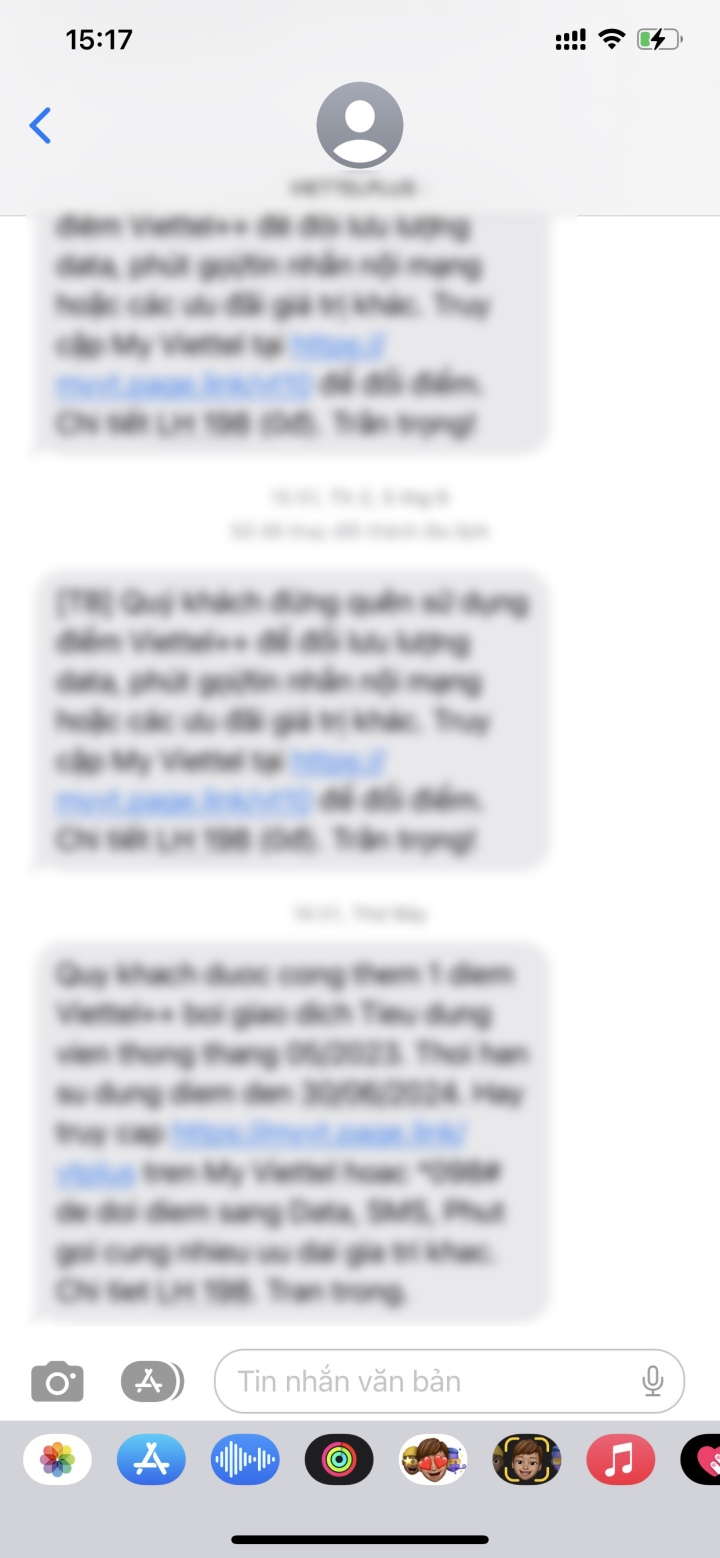
Step 2: Take a screenshot and save it to the Photos app.
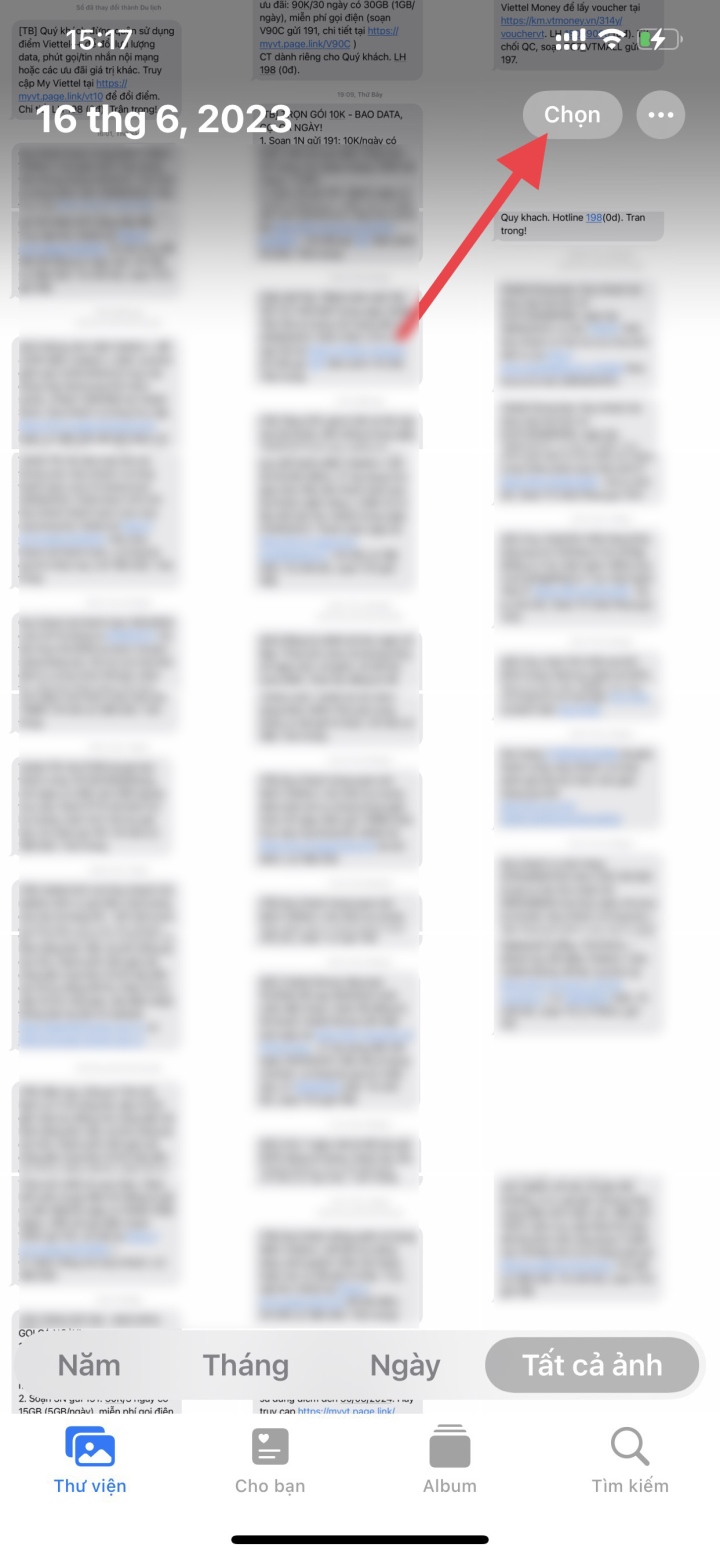
Step 3: Open the Photos app, switch to the Albums tab, and tap Screenshots . Tap the Select button in the top right corner of the screen and choose the screenshots in the order you took them.
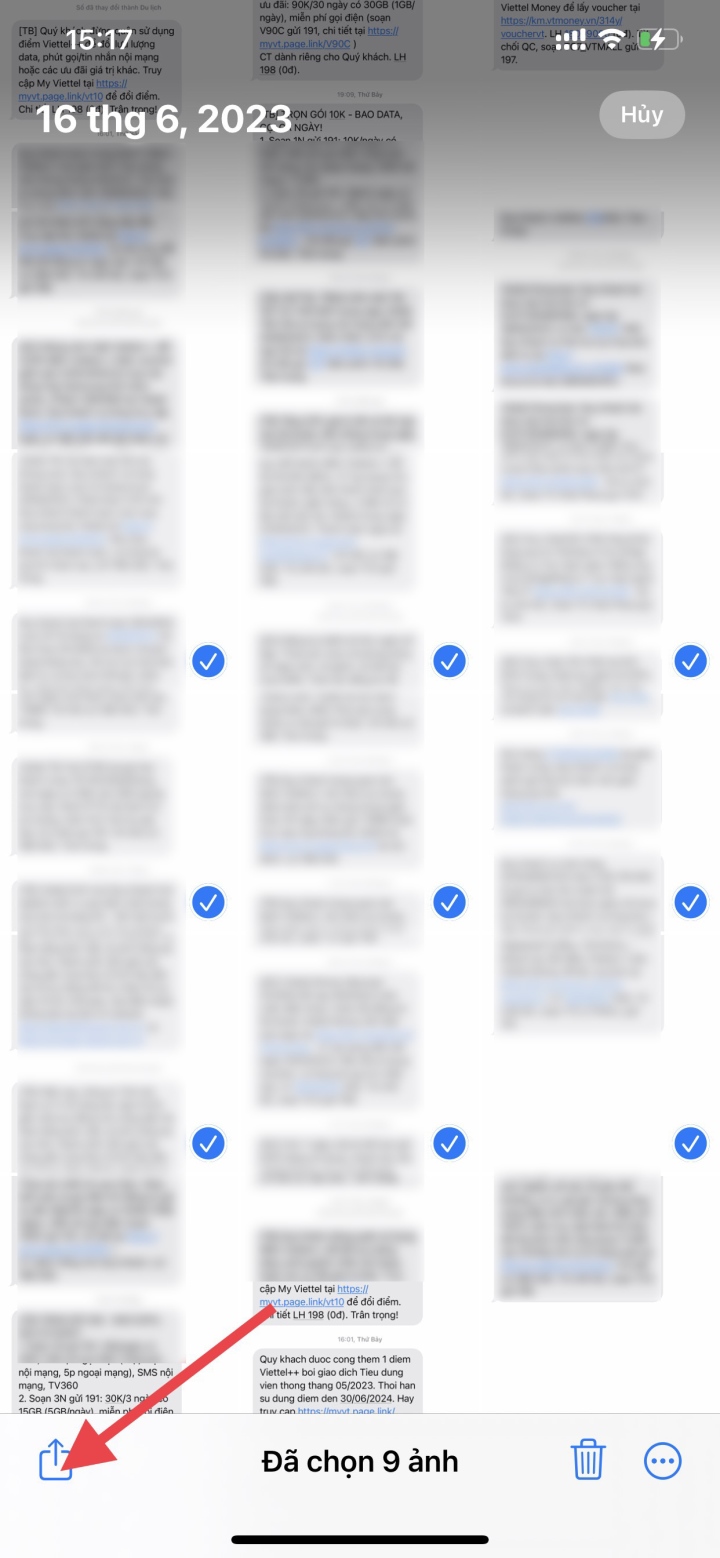
Step 4: Tap the Share button at the bottom left of the screen.
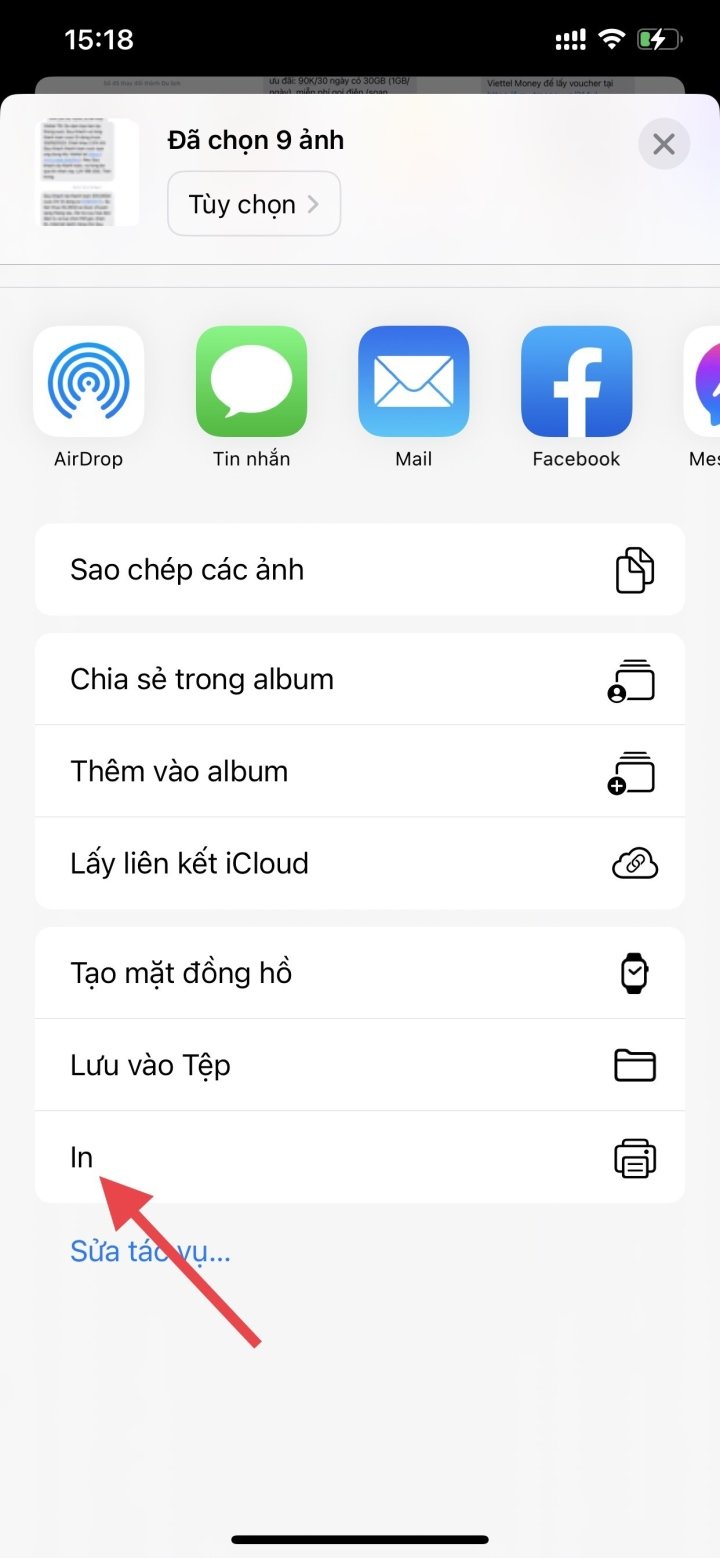
Step 5: Click on the option labeled Print on the Share sheet.
Step 6: Click on Printer .
Step 7: Select the AirPrint printer. Set up the print job by specifying the number of copies, paper size, color, print material quality, etc.
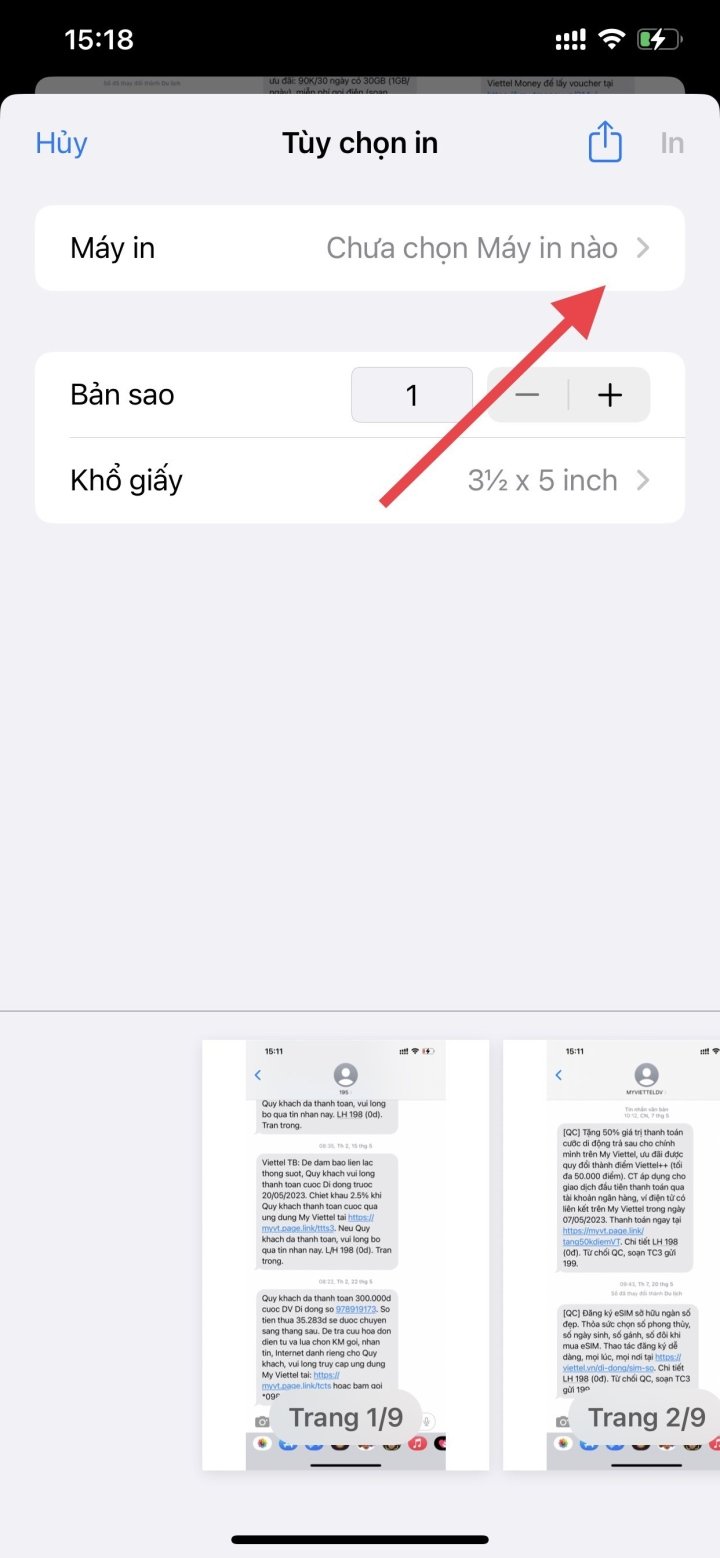
Step 8: Click Print . Wait for AirPrint to finish.
This method can be quite time-consuming, especially for long chats. Consider other methods if you find it too complicated.
Nhat Thuy
Beneficial
Emotion
Creative
Unique
Source


![[Photo] General Secretary To Lam receives the Special Envoy of General Secretary and President of China Xi Jinping](/_next/image?url=https%3A%2F%2Fvphoto.vietnam.vn%2Fthumb%2F1200x675%2Fvietnam%2Fresource%2FIMAGE%2F2026%2F01%2F30%2F1769759383835_a1-bnd-5347-7855-jpg.webp&w=3840&q=75)


![OCOP during Tet season: [Part 3] Ultra-thin rice paper takes off.](/_next/image?url=https%3A%2F%2Fvphoto.vietnam.vn%2Fthumb%2F402x226%2Fvietnam%2Fresource%2FIMAGE%2F2026%2F01%2F28%2F1769562783429_004-194121_651-081010.jpeg&w=3840&q=75)

![OCOP during Tet season: [Part 2] Hoa Thanh incense village glows red.](/_next/image?url=https%3A%2F%2Fvphoto.vietnam.vn%2Fthumb%2F402x226%2Fvietnam%2Fresource%2FIMAGE%2F2026%2F01%2F27%2F1769480573807_505139049_683408031333867_2820052735775418136_n-180643_808-092229.jpeg&w=3840&q=75)





Comment (0)