

The first thing users need to know is that charging an iPhone using a Mac does not pose any risk to battery life or device integrity. In fact, both devices are designed to work together, and the Mac operating system, macOS, is compatible with charging and syncing from the user's iPhone.
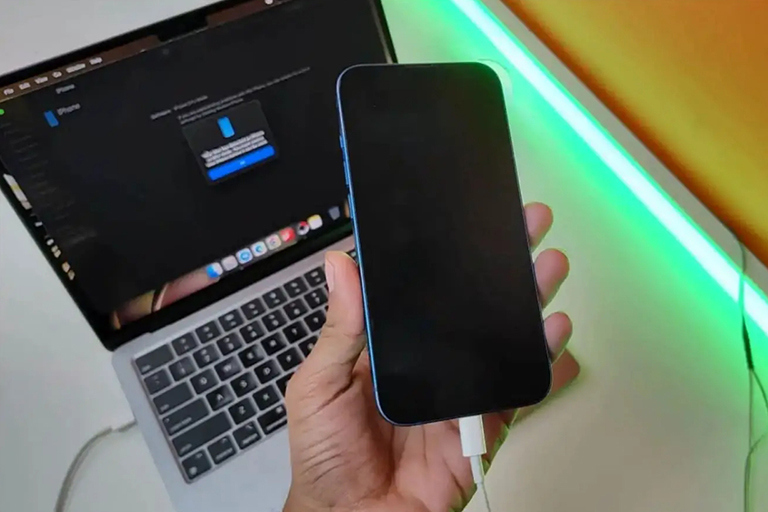
Many people have a habit of charging their iPhones using a Mac.
Another important thing to note is that while the charging process is compatible, it will be slower than using a standard charger, especially if the Mac is running power-intensive tasks, such as video editing in Final Cut Pro or rendering scenes in Blender.
Another potential issue is that Mac batteries experience more noticeable wear and tear, as they use their own battery to charge the iPhone. This can lead to higher power consumption and, over time, reduce the laptop's battery capacity.
Additionally, charging an iPhone with a Mac for extended periods can increase the temperature of both devices, and the iPhone is more likely to be damaged because it has fewer temperature control features than a Mac. Finally, if you decide to use this option, it's best to use an official charging cable that is Apple-certified (MFi) to avoid problems.
What are some charging tips to ensure battery longevity?
Although batteries will degrade over time, there are various ways to slow this process down to help extend battery life. Here are some things users should know to ensure longer battery lifespan.
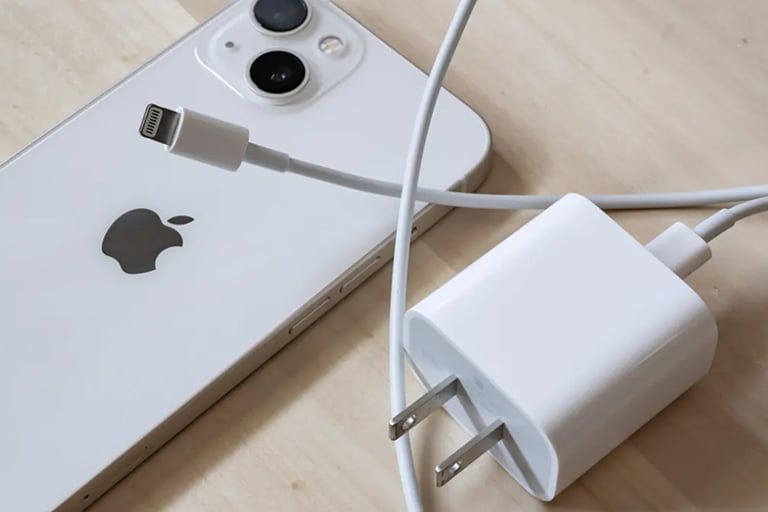
Charging your iPhone with a standard charger is still recommended.
- Avoid daily full charging: Device batteries operate in charging cycles, so it's no longer necessary to charge from 0-100% capacity. Instead, keep the battery level between 20% and 80% to extend usage time.
- Perform a full charge cycle occasionally: To keep your iPhone battery in optimal condition, users should perform a full charge cycle at least once a month. This involves charging the iPhone to 100%, then letting it completely discharge, and then charging it back to 100%. Essentially, this process allows for complete battery calibration and ensures the most accurate battery percentage display.
- Cool environment: While charging, ensure your iPhone doesn't reach excessively high temperatures, as this can affect battery life and the performance of internal components. If you notice any device becoming too hot, disconnect your iPhone from the charger.
In summary, occasionally charging your iPhone via your Mac won't cause any significant problems. However, to maintain optimal battery life and performance for both devices, users should use a standard charger whenever possible and only charge their iPhone on a Mac when necessary.
Source link
![[Image] Nguyen Tat Thanh Street is expected to be widened, reducing traffic congestion.](https://vphoto.vietnam.vn/thumb/1200x675/vietnam/resource/IMAGE/2026/03/24/1774326200262_ndo_br_3-6869-jpg.webp)








































































































Comment (0)