


Convenient design, easy control.
Razer has always had an aesthetic sense for its products, and the Nommo V2 Pro is no exception. Specifically, each speaker features a 3.2-inch full-range driver that minimizes internal sound reflections, resulting in clearer sound with extremely loud volume.
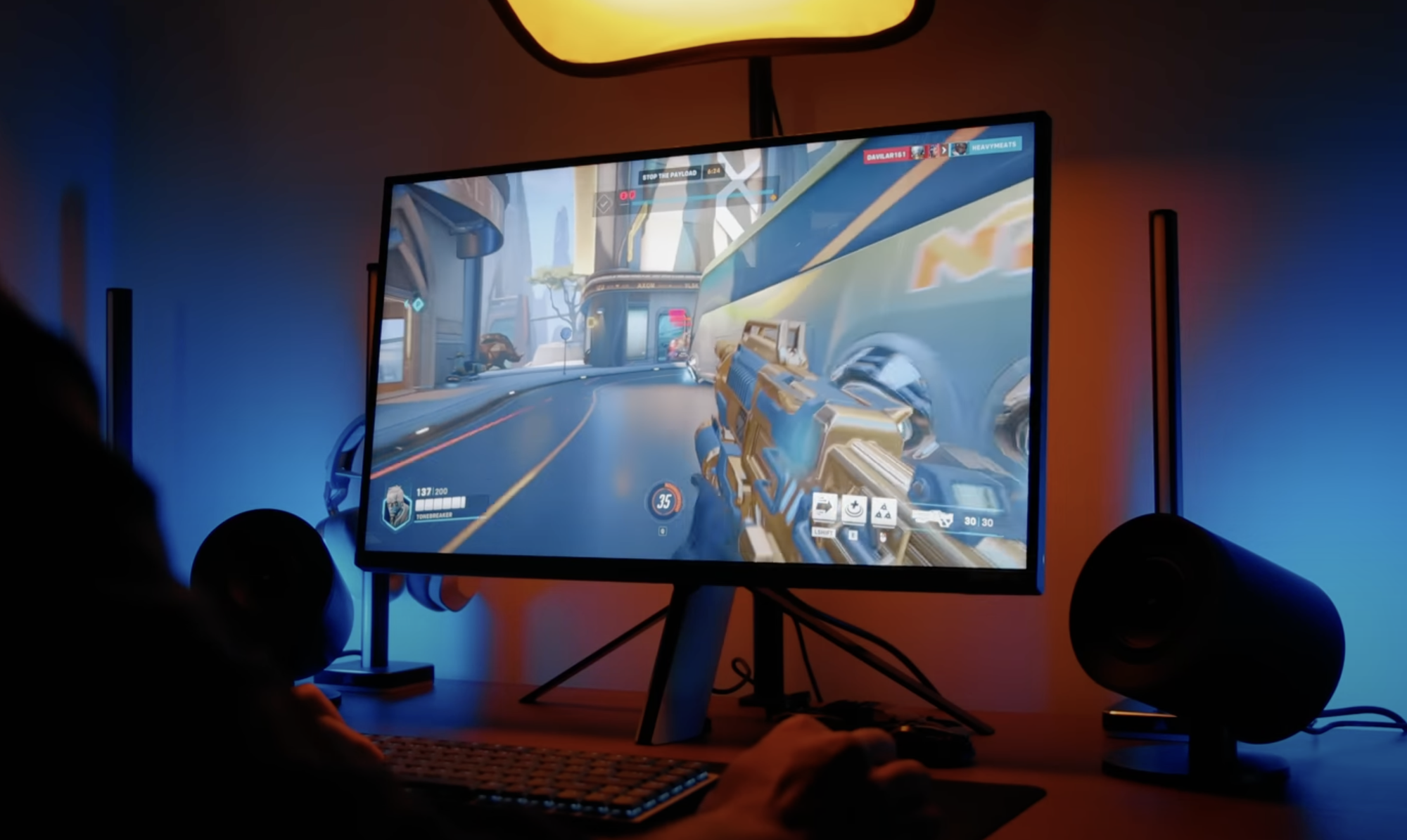
The sound produced by the Nommo V2 Pro is clear and loud, making the gaming experience more enjoyable.
The two main speakers are located at opposite corners; although their orientation isn't adjustable, they're still quite good as they point directly at the user's ears, allowing for a full and immersive gaming experience. The experience is further enhanced by a wireless subwoofer featuring a 5.5-inch volume driver for powerful bass. The subwoofer can be instantly paired with the two main speakers via a "plug and play" connection without requiring any configuration, making it more convenient for gamers.
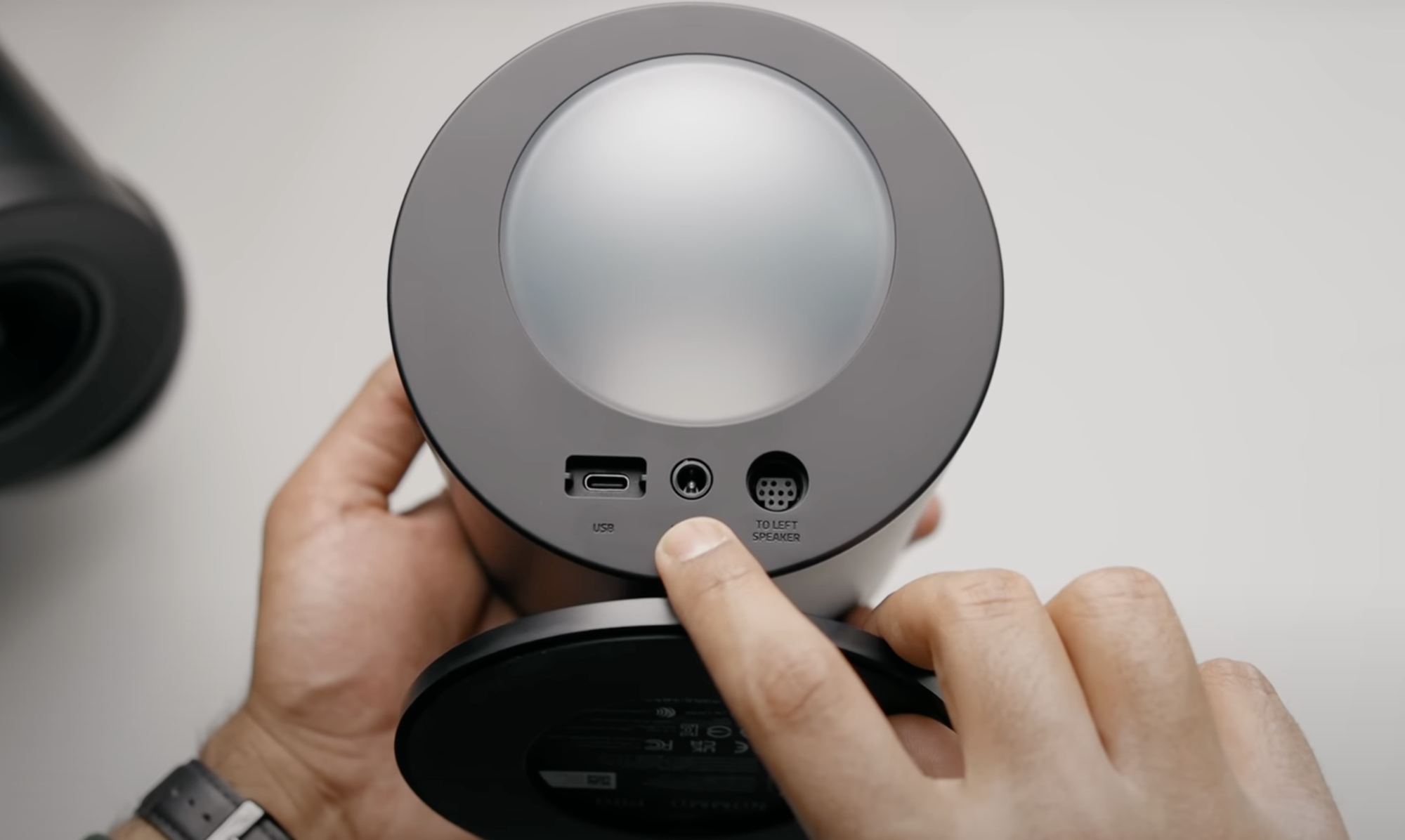
Ports on the Nommo V2 Pro
The Nommo V2 Pro's wireless controller is palm-sized, approximately 5 cm tall, and serves as the central control hub for the speakers. This makes it the most convenient way for gamers to control the speakers, instead of using the PC's audio interface or Razer's Synapse software, which can be cumbersome while gaming. Simply rotate the knob to adjust the volume, or press the top of the knob once, twice, or three times to mute/unmute, play/pause, or skip to the next song. A small button on the side of the controller allows switching between PC and Bluetooth modes, or switching between EQ options.
Magical LED lighting
Not only does it come with large drivers for powerful sound, the Nommo V2 Pro also has more space for RGB lighting on the back of both speakers. RGB lighting is a hallmark of Razer products, and that continues on the Nommo V2 Pro, where several ambient lighting effects have a noticeable impact on the gaming room.

The LED lighting continues to be featured on the speaker system.
These rear LEDs are quite bright, to the point that they actually bounce off nearby walls, providing a beautiful, subtle light to the room. Setting the content displayed on the LEDs can be done via the quick control panel in Synapse or, more precisely, in Razer Chroma.
The speaker also supports Razer's Ambient Awareness mode, where it will position the LEDs to match everything on the user's screen and can be controlled via Chroma, meaning it only works when paired with a PC.
Sound quality
Not only visually appealing, the Nommo V2 Pro delivers even better sound. Initially, the speakers might be a bit bass-heavy, but after some fine-tuning in Synapse, the sound quality is satisfying for most listeners. Remember, sound is a crucial part of the gaming experience, and the sound quality from the Nommo V2 Pro is by no means inferior.
The bass-heavy sound signature on the Nommo V2 Pro makes the audio experience much warmer and more accessible. This may be why many people almost dislike harsh, unpleasant sounds while gaming.
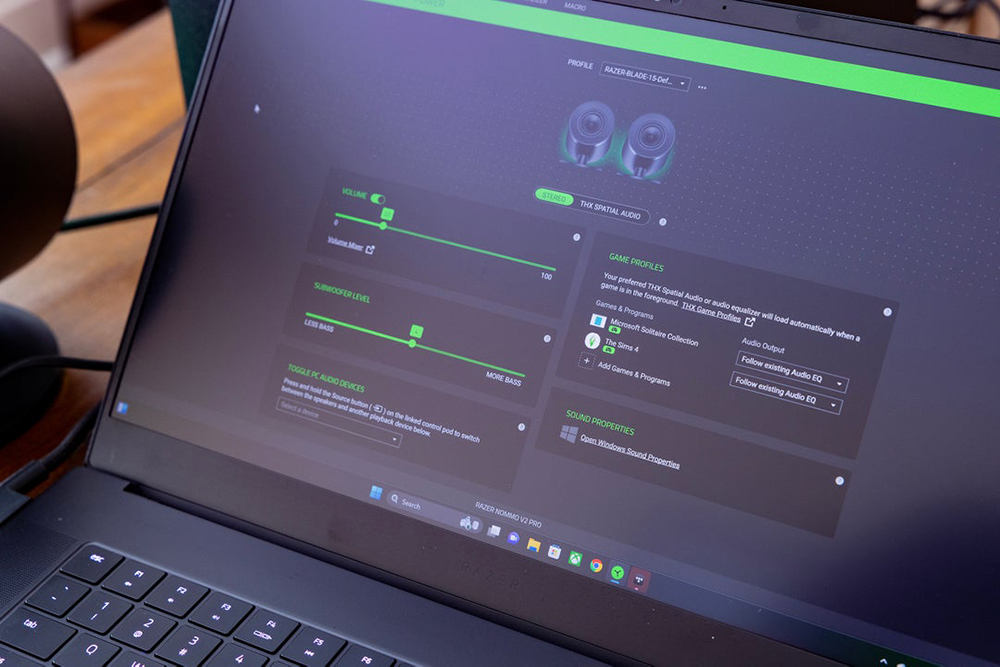
Adjusting the sound on the Nommo V2 Pro is easy with Synapse.
But the Nommo V2 Pro's real highlight lies in its THX Spatial Audio mode, which delivers a digital spatial sound experience, although this might be somewhat compromised by the forward-facing speakers. Spatial sound is far superior to standard stereo, making it a must-have for PC gamers. The excellent directional capabilities allow the speakers to offer a fresh perspective on the gaming experience, but it's important to remember that spatial sound will be absent when using the speakers with Bluetooth-connected devices.
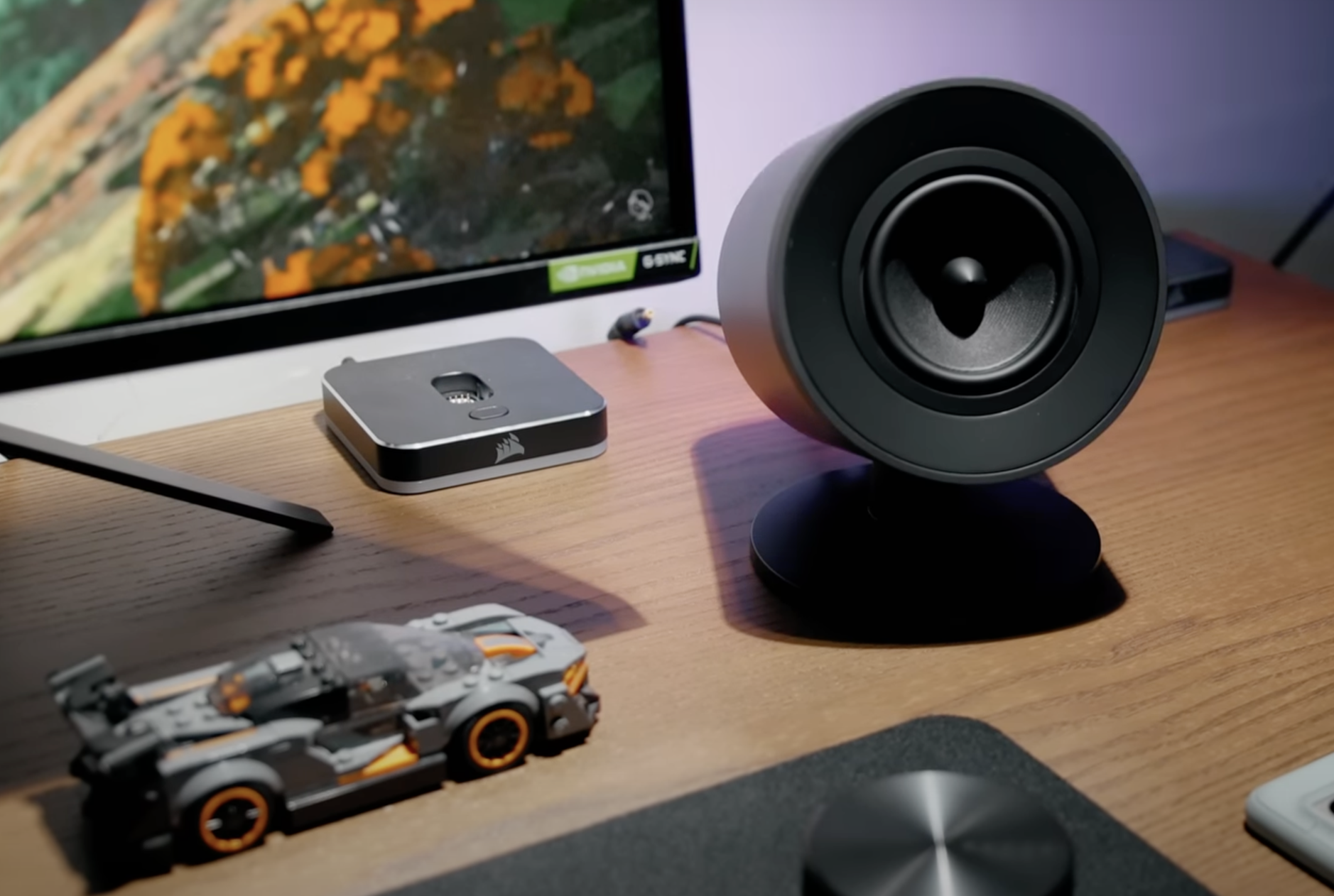
The Nommo V2 Pro has a rather attractive design when placed on a PC gaming desk.
Synapse software also offers a wide range of EQ sound experience customization options, in addition to Razer's four built-in EQ modes. Notably, gamers can pre-program their desired audio profiles for different games upon launch thanks to the Game Profiles feature, where THX Spatial Audio or preferred EQ will automatically load when the game runs in the foreground, and adding and adjusting these options is very simple.
Source link
![[Photo] Prime Minister Pham Minh Chinh receives the delegation from the Japan Chamber of Commerce and Industry (JCCI)](https://vphoto.vietnam.vn/thumb/1200x675/vietnam/resource/IMAGE/2026/02/09/1770641860646_ndo_br_dsc-0142-jpg.webp)



![[Photo] Young people in Da Nang radiate the spirit of spring in traditional ao dai dresses.](https://vphoto.vietnam.vn/thumb/1200x675/vietnam/resource/IMAGE/2026/02/09/1770643241262_anh-man-hinh-2026-02-09-luc-20-20-03.png)
![[Photo] Reflections on "Building for Tet 2026" at the Sycamore High-Rise Project construction site.](https://vphoto.vietnam.vn/thumb/1200x675/vietnam/resource/IMAGE/2026/02/09/1770642982527_image.jpeg)





























































































Comment (0)