


Most computers, including MacBooks, have three low-power states when they are not in use: Sleep, hibernation, and off.
In sleep mode, the laptop will automatically turn off components such as the processor, hard drive, and screen. However, RAM will save what you were working on so you can quickly return to your work by touching the keyboard, touchpad, or external mouse.
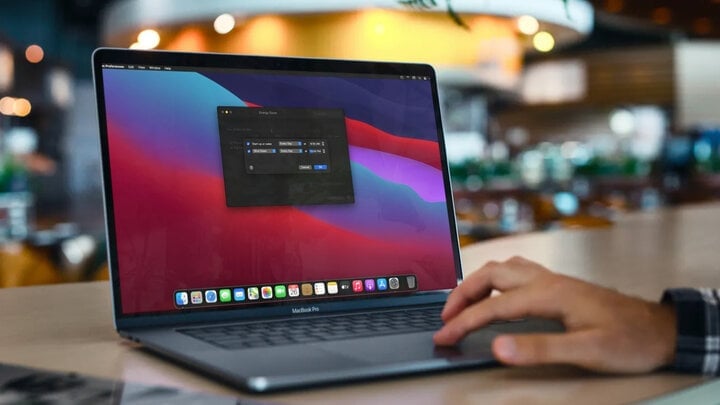
Is it okay to leave a MacBook on for extended periods without shutting it down?
Meanwhile, hibernation mode is a bit different; it saves all your current work and then shuts off the power, allowing you to remove the battery without affecting your data.
The 2020 MacBook Air M1 models only consume about 0.21W while sleeping. If you leave the machine in sleep mode for 10 hours each night, it will only consume about 0.77kWh/year (less than 1 kilowatt-hour). This shows that leaving your MacBook in sleep mode consumes battery power, but it's negligible.
Additionally, frequently shutting down your MacBook is unnecessary if you use it regularly (typically, you sleep for 8 hours at night and then turn it on again in the morning). You only need to shut it down once a week or when you won't be using your MacBook for an extended period (for example, 3-4 days or more).
Is it better to put your MacBook to sleep or turn it off completely?
To compare which one is better, we need to consider it from a usage perspective:
If you frequently use your computer (including leaving it to sleep overnight), then you should use sleep mode. In fact, turning the computer off and then back on consumes more battery power and takes more time because the MacBook needs to restart system programs, and you also need to reopen previously used files and programs.
However, if you own a MacBook with the M1 chip, shutting down or putting it to sleep is no longer important because it's practically the same; everything has been perfectly fine-tuned by Apple to the point where there's no difference.
Is it harmful to leave my MacBook on for extended periods?
Over time, the more you use your computer, the more applications will run, and the more background processes you won't see. This leads to RAM bottlenecks, causing a slight decrease in performance, especially on older MacBooks.
Therefore, to optimize performance, close and restart applications, close some browser tabs, and then restart your MacBook (or shut it down and reopen it). This will free up RAM and allow interrupted or faulty processes to resume.
In short, you should also completely shut down your computer once a week; doing so will help fix technological errors and some technical problems.
Source


![[Image] Fifth meeting of the Steering Committee for National Projects in the Railway Sector](/_next/image?url=https%3A%2F%2Fvphoto.vietnam.vn%2Fthumb%2F1200x675%2Fvietnam%2Fresource%2FIMAGE%2F2026%2F01%2F06%2F1767712857541_ndo_br_dsc-0581-jpg.webp&w=3840&q=75)








































































































Comment (0)