

Check out how to fix paper jams on your Canon 2900 printer without a repair technician. This article guides you on how to repair your Canon 2900 printer, so check it out!
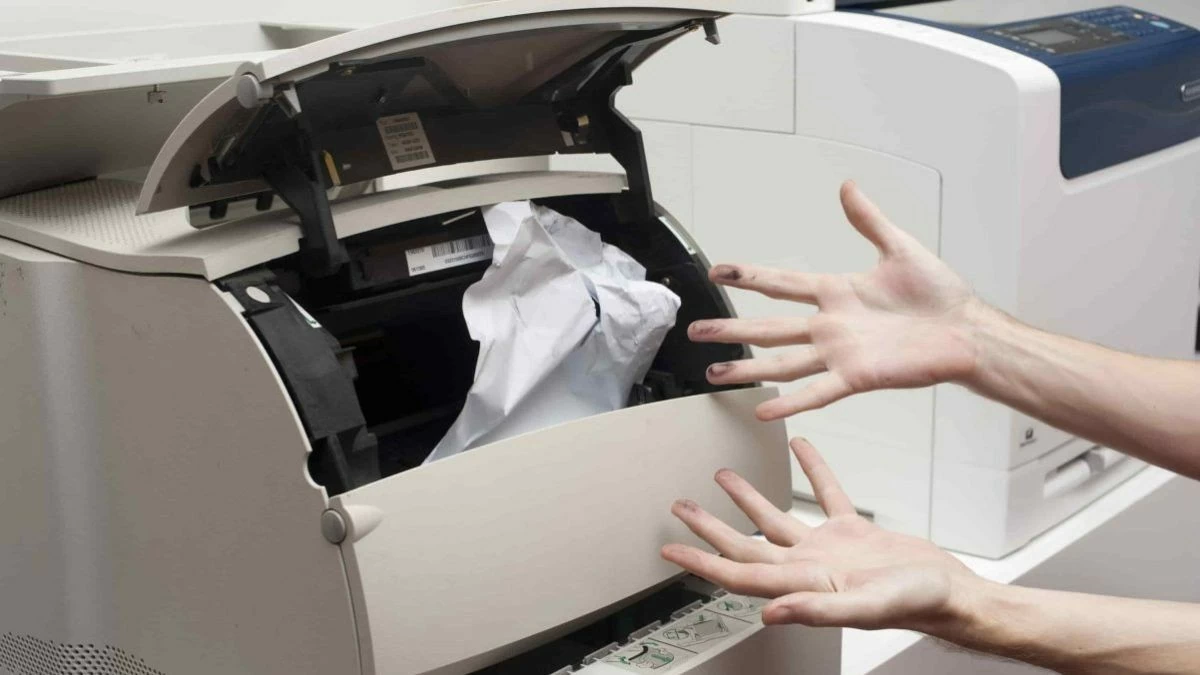 |
How to effectively fix a paper jam in a Canon 2900 printer.
You can fix paper jams on your Canon 2900 printer yourself without calling a repair technician. Let's explore the details to get your printer working again quickly and efficiently.
How to fix a paper jam in the paper loading mechanism.
If your Canon 2900 printer is jammed at the paper loading mechanism, follow the instructions below to fix it immediately:
Step 1: Before placing the paper in the tray, gently separate each sheet to prevent them from sticking together.
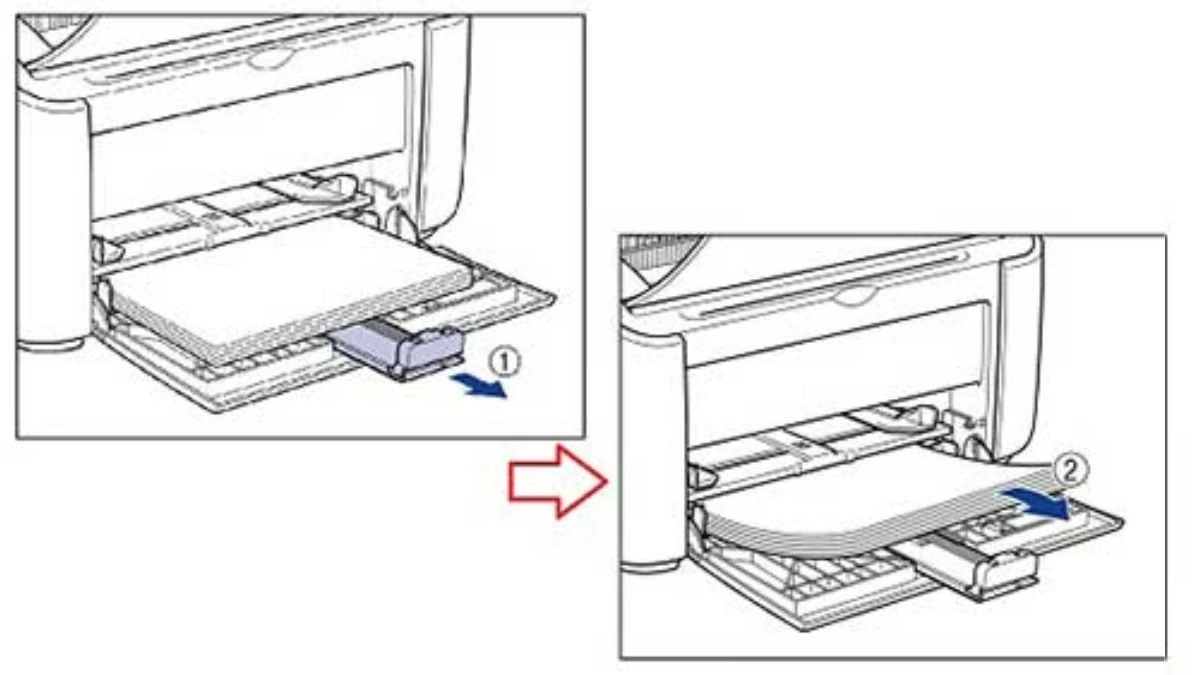 |
Step 2: Carefully inspect the paper to remove any torn, wrinkled, or damp sheets.
Step 3: Finally, make sure the paper is aligned with the guide lines on the tray and does not exceed the allowed limit.
How to fix a paper jam in the Canon 2900 printer's toner cartridge.
Fixing a paper jam in a Canon 2900 printer's toner cartridge is simple with these 3 steps:
Step 1: First, gently pull the lid of the Canon 2900 printer to open the ink cartridge inside.
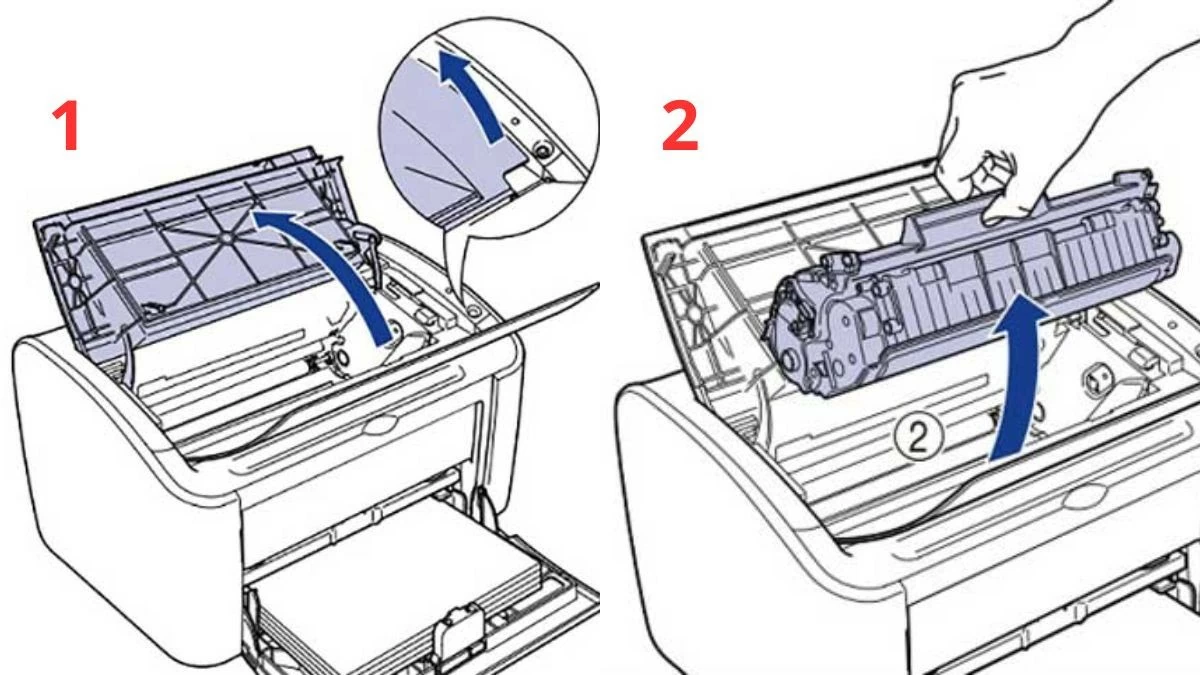 |
Step 2: Remove the ink cartridge from the printer as shown in the illustration.
Step 3: Locate the paper jam and gently pull to avoid tearing or damaging the internal components.
How to fix a paper jam in the fuser unit.
If your Canon 2900 printer frequently experiences paper jams in the fuser unit, you can resolve the issue by following these steps:
Step 1: Open the machine cover and carefully observe to pinpoint the exact location of the paper jam.
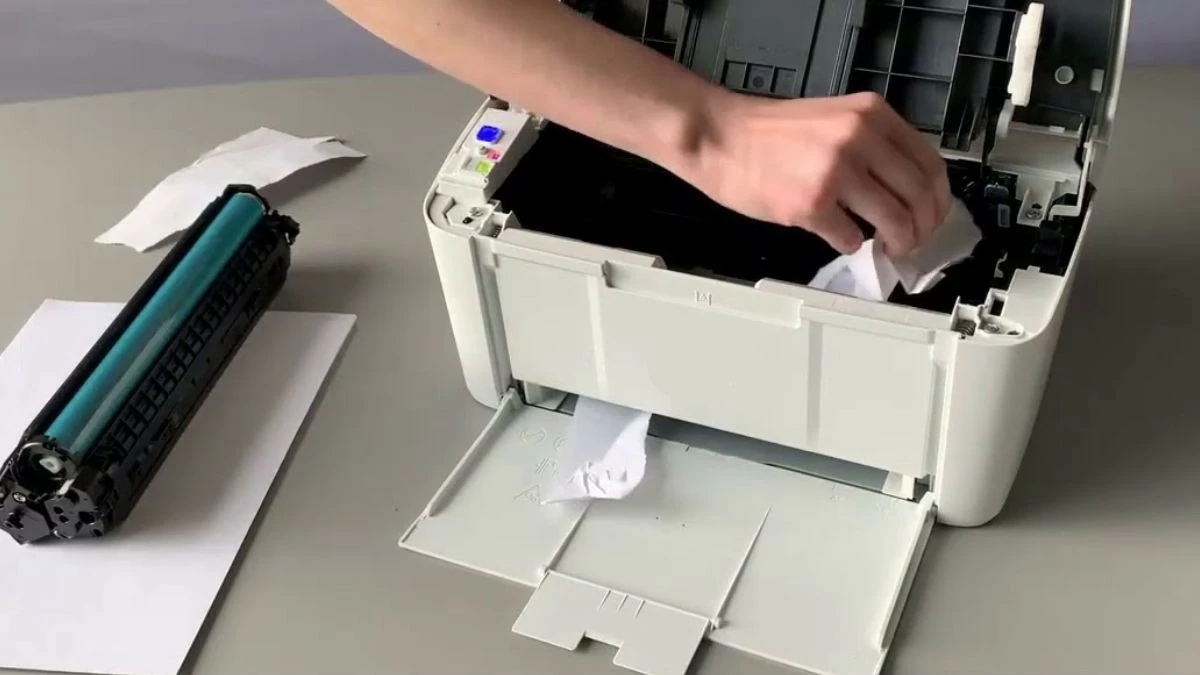 |
Step 2: Using both hands, gently and evenly pull the paper in the opposite direction of its entry into the printer.
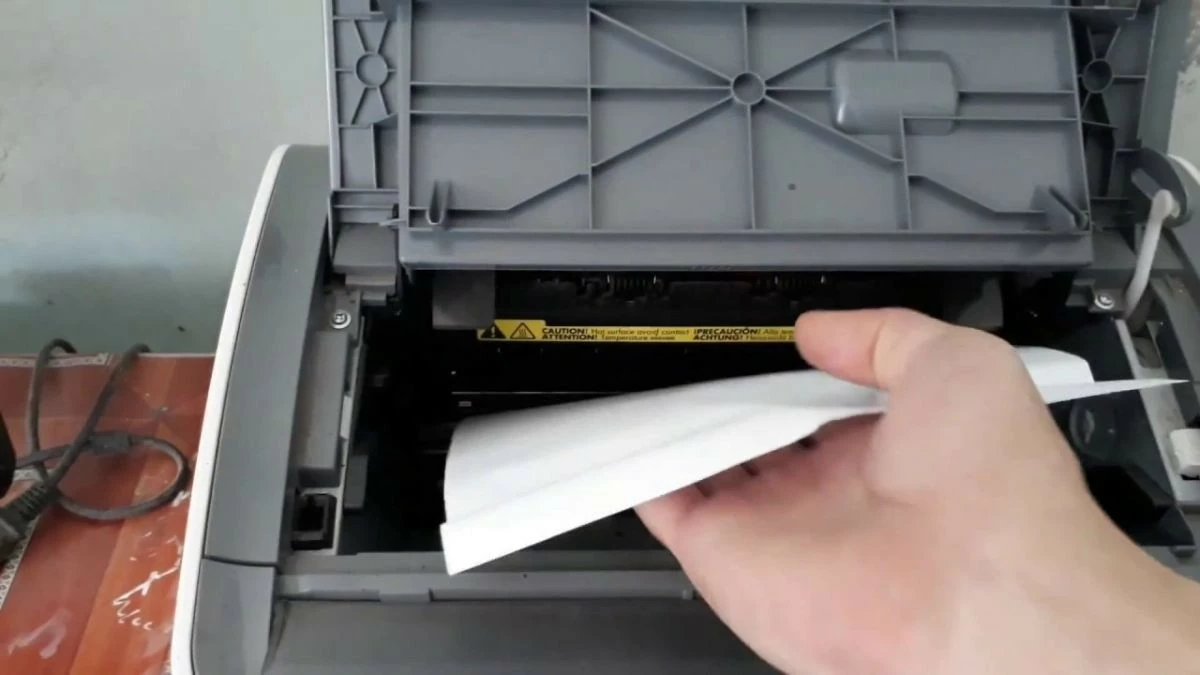 |
Step 3: Print one more time to check if the machine is working normally again.
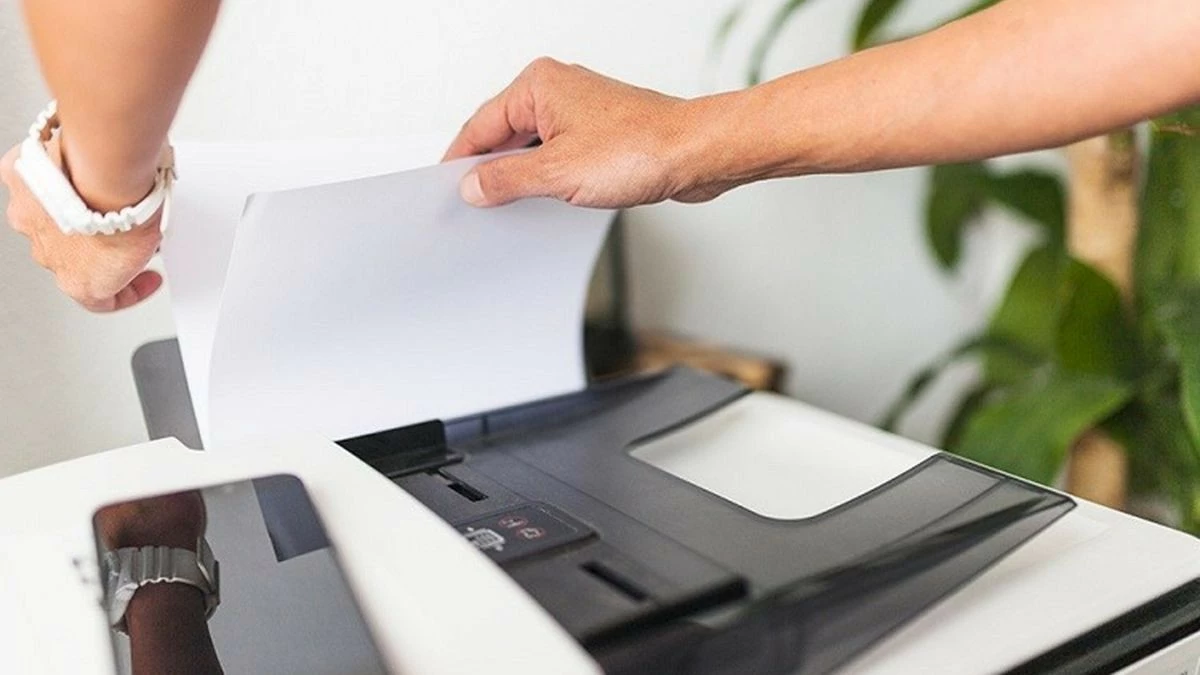 |
The article above has compiled comprehensive information on how to fix the persistent paper jam issue on the Canon 2900 printer. With this guide on repairing a Canon 2900 printer with a paper jam, you can completely fix it yourself without needing a professional technician.
Source: https://baoquocte.vn/cach-sua-may-in-canon-2900-bi-ket-giay-hieu-qua-nhat-289178.html



![[Image] Hanoi's urban life under the challenge of a "scorching hot" environment](https://vphoto.vietnam.vn/thumb/1200x675/vietnam/resource/IMAGE/2026/05/25/1779706979265_nang-nong-t5-2026-minh-duy-7-4636-jpg.webp)

































































































Comment (0)