

Double-tapping to turn off the screen on your OPPO phone is quick and convenient, especially in low-light environments. Below is a guide on how to set up this feature without using the power button!
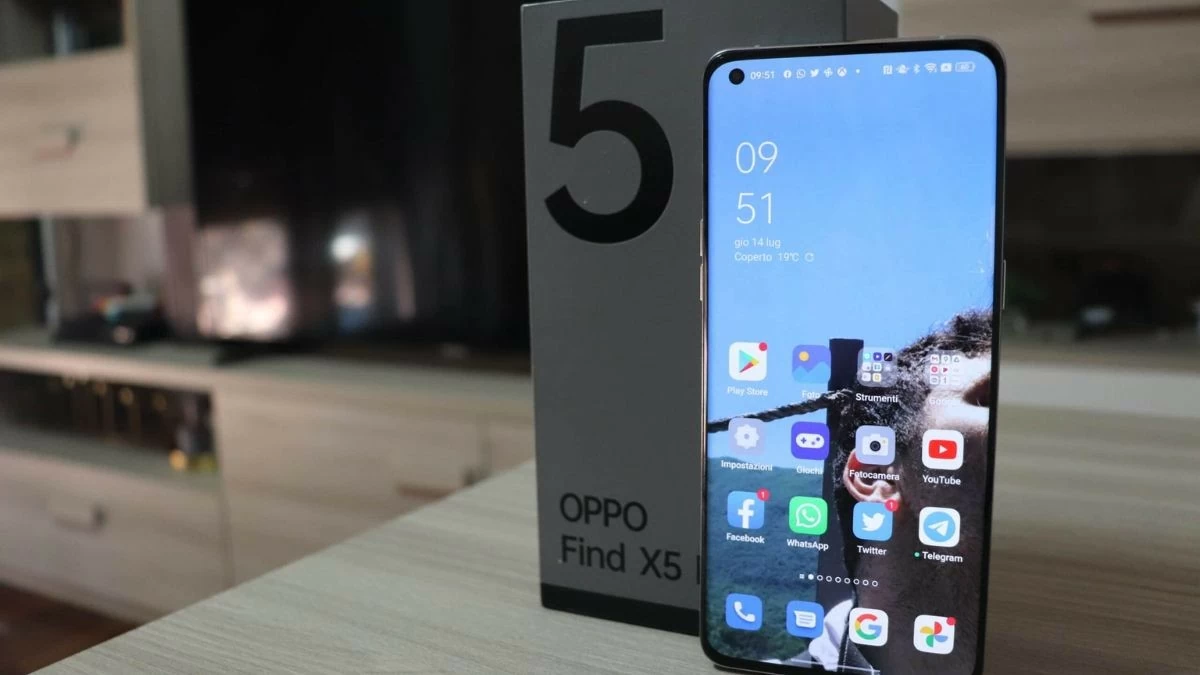 |
Instructions on how to enable the double-tap to turn off screen feature on OPPO phones.
OPPO's double-tap to turn screen on/off feature makes operation quicker and more convenient. Below is a detailed guide to help you set it up easily:
Step 1: Open Settings on your OPPO phone.
Step 2: Select Home Screen and Lock Screen .
Step 3: Scroll down and enable the "Double tap to lock" option.
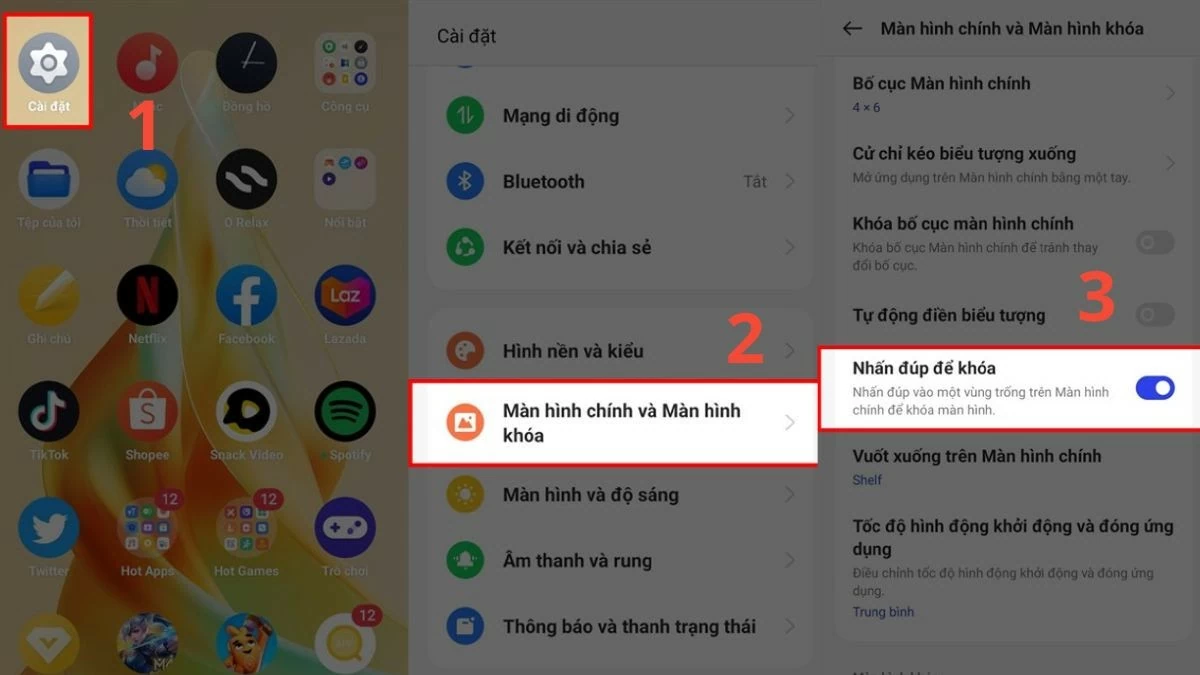 |
Once activated, simply double-tap the screen to quickly shut down your device.
Instructions on how to double-tap to unlock the OPPO screen.
Besides turning off the screen, you can also set up a double-tap to easily unlock your phone:
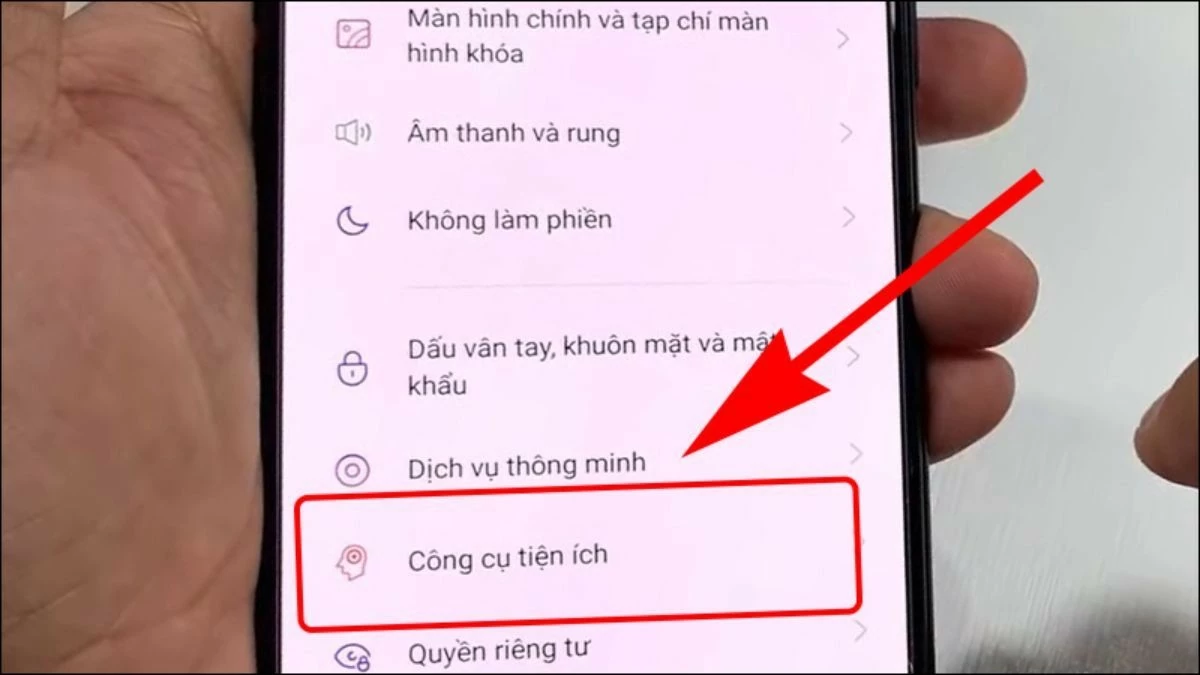
Step 1: Go to Settings on your OPPO phone and select Utilities .
 |
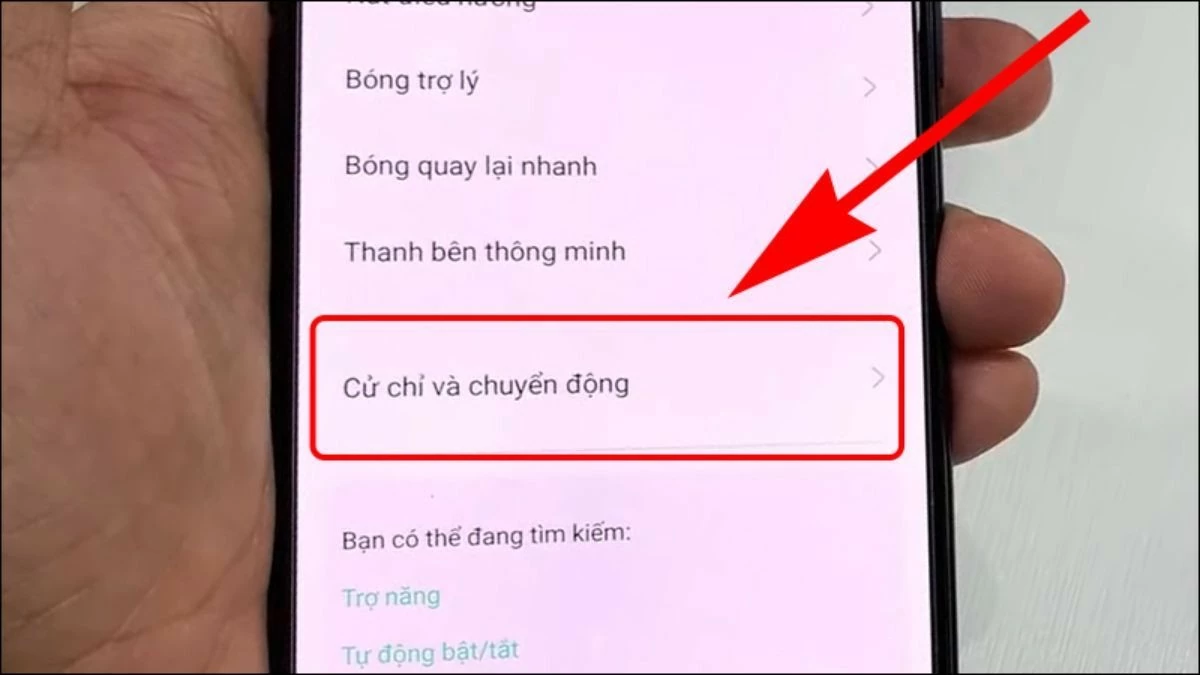
Step 2: Scroll down and select Gestures & Motion .
 |
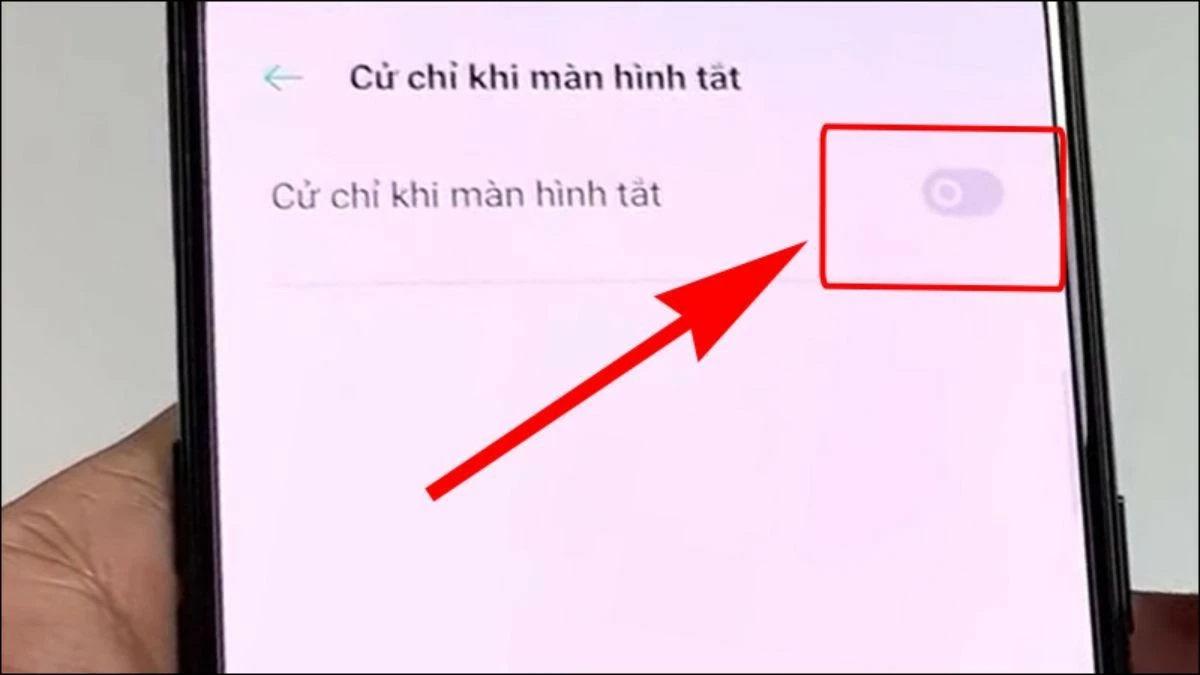
Step 3: Enable the "Gestures When Screen Is Off " feature by toggling the circular switch to the right.
 |
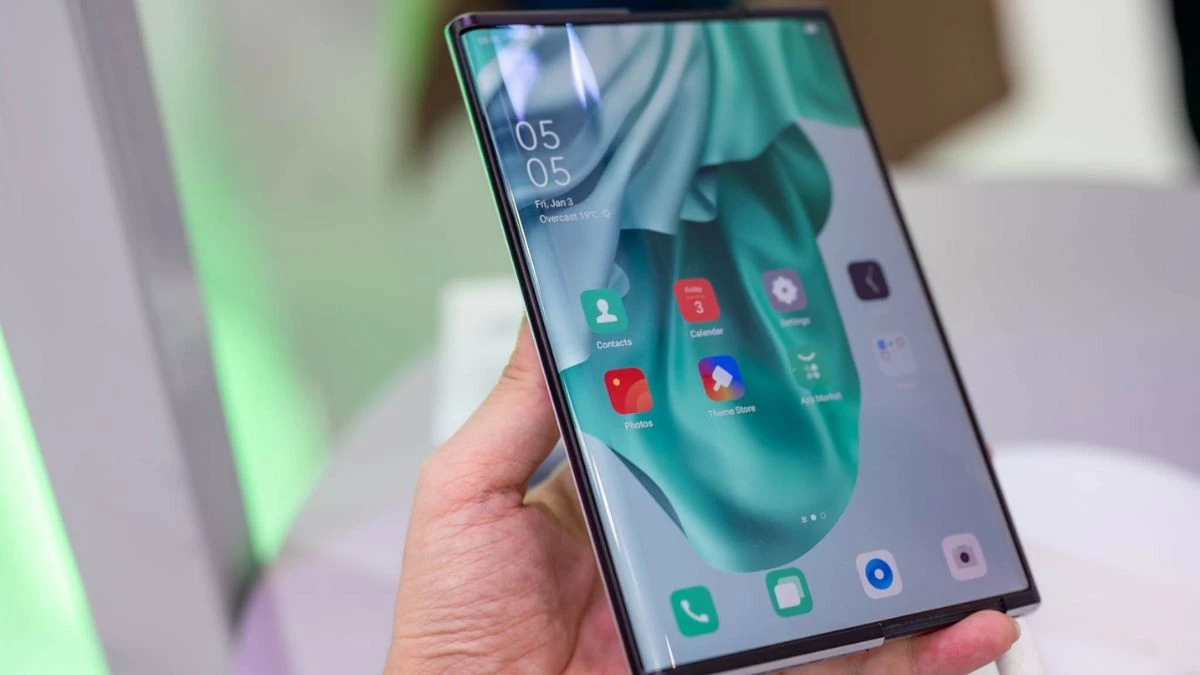
Step 4: Next, enable the OPPO Double Tap to Wake Screen feature by sliding the circular button to the right.
 |
OPPO offers more than just a smartphone; it delivers a truly personalized experience. With the ability to turn the phone on and off without using the power button, users can enjoy greater convenience.
Source







































































































Comment (0)